


DEALS
Picking out a new laptop in 2026 can be confusing. Light laptops for students, high-end machines for creative work, budget computers for daily tasks, gaming laptops for demanding graphics. The best pick depends on what you need to do, how much you want to spend, and if you want Windows, macOS, or ChromeOS. Here we’ve gathered some of the best laptops to consider for 2026, including everyday laptops, premium productivity laptops, budget laptops, gaming laptops and repairability. It also tells you which specs are the most important so that you can pick a laptop that fits your needs without paying for features you will rarely use.
At a Glance: The Best Laptops of 2026
Here are the leading options to consider, based on recent independent buying guides and reviews.
These are recommendations to investigate, not results from hands-on testing by TECH99K. Independent reviewers may select different winners depending on their testing methods and priorities.
Apple MacBook Air (M5, 2026): Best Overall

If you’re looking for a laptop for everyday work, studying, browsing, video calls and entertainment, the MacBook Air is a good starting point. Apple’s M-series chips pack serious computing power and power efficiency into a thin, portable design.
Why consider it?
- Great for everyday work, documents, browsing and multitasking.
- Fashionable design is suitable for traveling and daily commuting.
- MacOS works seamlessly with other Apple devices.
- Great option for those who care about portability and battery life.
What to think about: Not all applications written for Windows will run on a Mac computer without assistance. If you use Windows-only business software, specialist engineering tools or some games, verify compatibility before you buy. The price is also influenced by the memory and storage options.
Best for: Students, office workers, writers and general users who prefer macOS.
Samsung Galaxy Book6 Pro: Best Premium Windows Laptop

If you’re after a premium Windows laptop with a high-quality display and portable design, the Samsung Galaxy Book6 Pro is a compelling option. It was the overall laptop choice in The Independent’s buying guide in October 2026.
The AMOLED touchscreen is particularly good for watching videos, working with photos, and getting a sharp, vibrant display. It is also Windows friendly if you rely on Microsoft Office and other applications that work with Windows.
Why consider it?
- Premium display suited to work and entertainment.
- Windows application compatibility.
- Portable for working away from a desk
- Definitely worth considering if you already use compatible Samsung devices.
Things to consider: Just because it’s called Pro doesn’t mean it’s got gaming grade graphics performance. Check the processor, memory, storage, screen configuration and connectivity of the model you want to purchase.
Best for: Professionals, students and Windows users looking for a premium everyday laptop.
Apple MacBook Neo: Best Budget MacBook
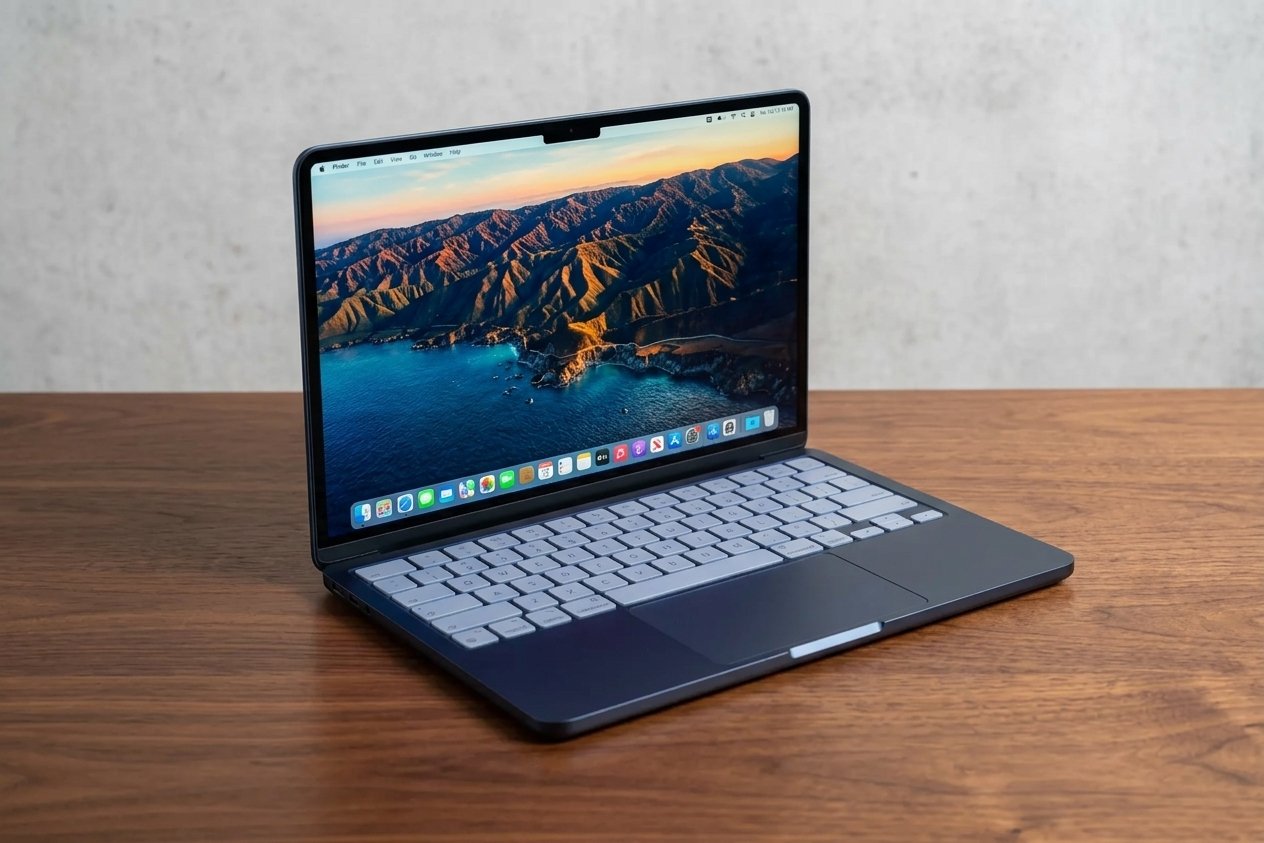
The MacBook Neo is a solid starting point for those who want to try macOS without immediately going for a pricier MacBook Air or Pro.
Worth considering for web browsing, online learning, documents, email, video streaming and other everyday tasks. The compact design also makes it a good candidate to lug back and forth between home, work and school.
Advantages
- Good entry into the Mac ecosystem without being too hard.
- Perfect for a wide range of daily computing tasks.
- Travel and study friendly compact design.
Cons: 8GB of non-upgradable memory in the base configuration. That might be enough for light workloads, but users who often run lots of demanding applications, work on large projects or use virtual machines should consider a laptop with more memory.
Before you decide, compare the total cost with a MacBook Air and similarly priced Windows laptops. A higher-spec model at a reduced price could offer better value in the long run.
Best for: Students and regular users who want macOS and don’t need heavy computing power.
ASUS ROG Zephyrus G14: Best Portable Gaming Laptop

Gaming laptops need to balance graphics performance, cooling, display quality, portability and price. If you want gaming ability in a somewhat portable form factor, the ASUS ROG Zephyrus G14 is one to consider.
A dedicated graphics processor (GPU) is much better at running demanding 3D games and graphics-heavy applications than the integrated graphics of most everyday laptops.
What to look for
- A dedicated GPU capable of running your games.
- A minimum of 16GB of memory starting with makes sense.
- Big SSD for big games.
- A display with appropriate resolution and refresh rate.
- Good cooling, nice keyboard.
Things to consider: A slim gaming laptop can cost more than a larger one with comparable graphics performance. Gaming also takes a lot of power so battery life while gaming is generally much shorter than light browsing.
The G14 is a good comparison model but check the GPU and other specs of the exact year config. Hardware can be very different from one version to the next.
Best for: Gamers who want a portable Windows laptop that can handle daily work too.
Framework Laptop 13: Best for Repairability and Upgrades
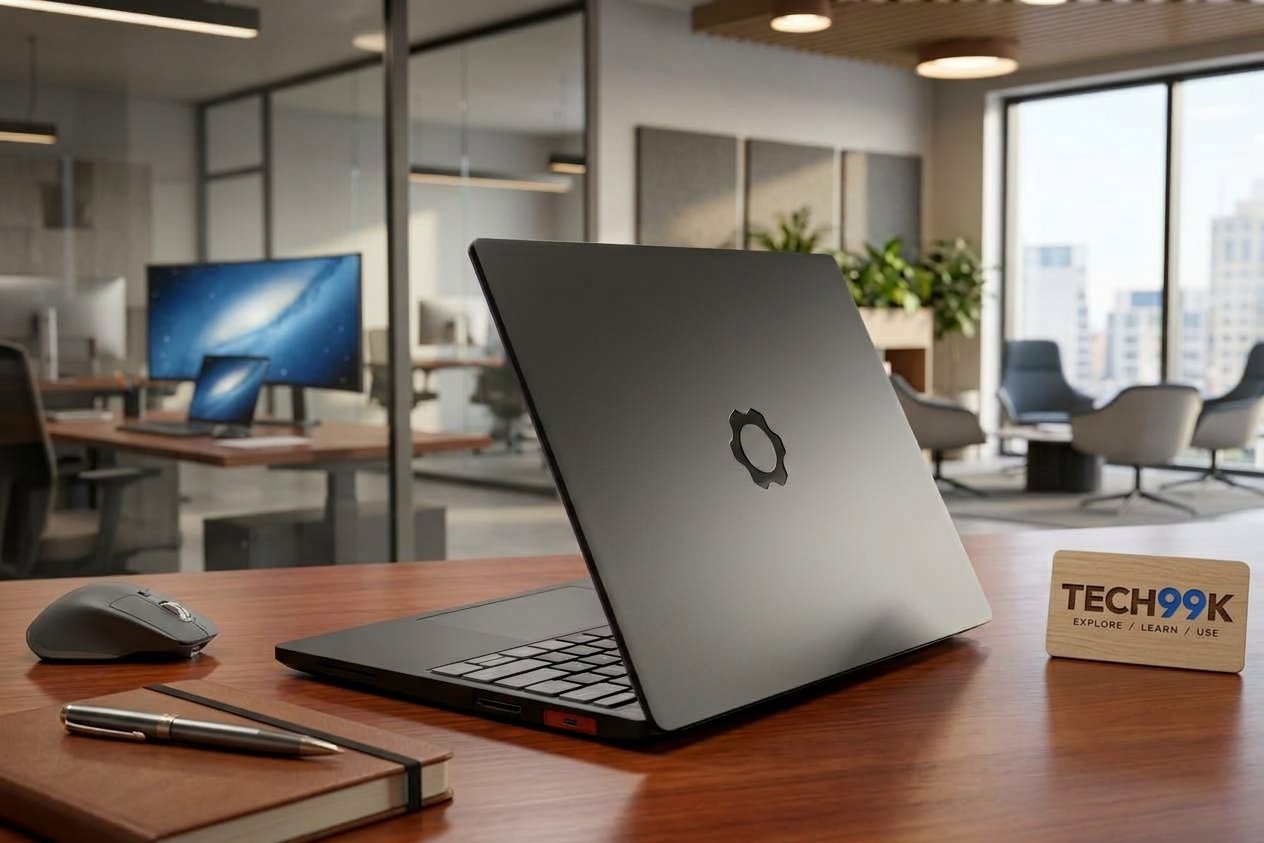
Thin laptops are usually designed to be compact, and that can make it hard to swap out parts. The Framework Laptop 13 is an interesting alternative for those who want more control over their hardware, with repairability and modular parts.
Its modular approach (depending on the configuration) can make it easier to replace selected components, repair certain faults or upgrade compatible parts rather than replacing the whole computer.
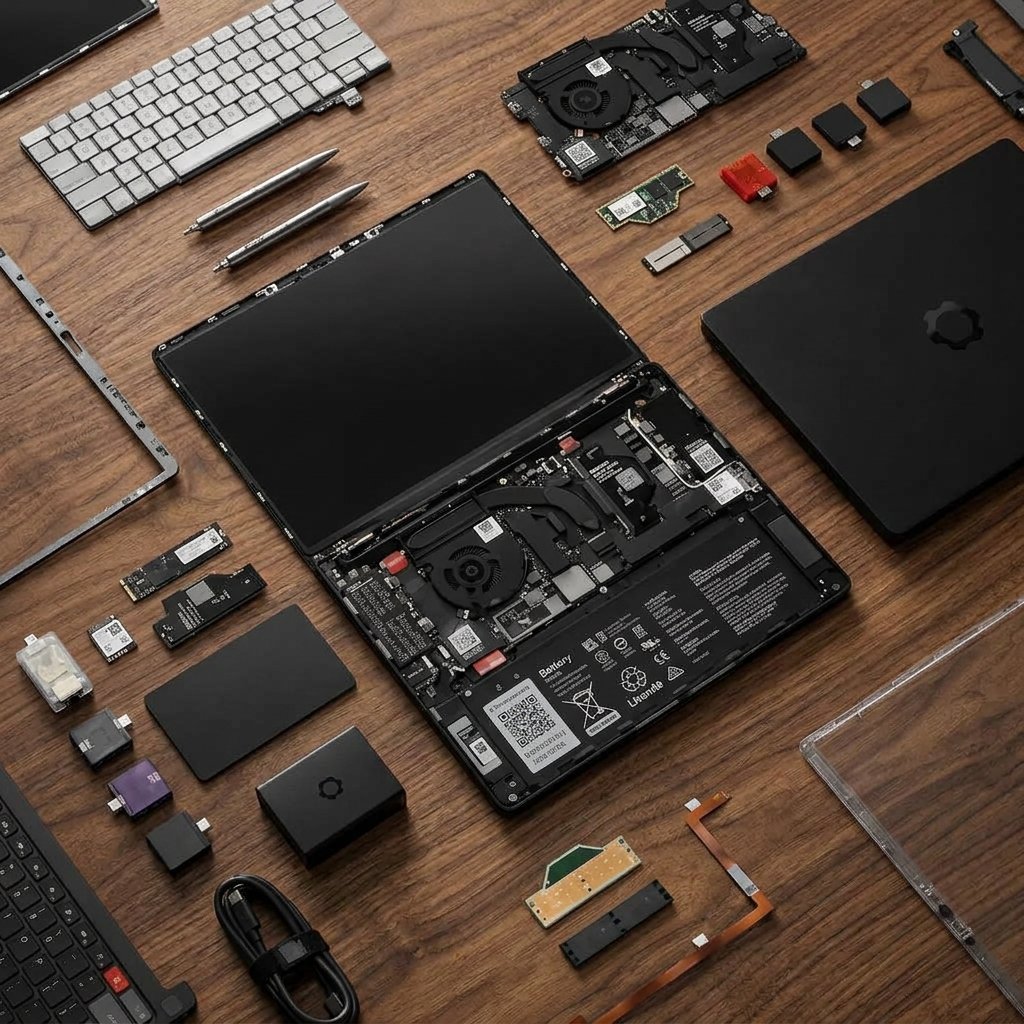
Why consider it?
- Repairability as a primary design consideration.
- Selected components are replaceable or upgradeable.
- A good option for technically confident users who value hardware longevity.
Things to keep in mind: Not every part is upgradeable, and compatibility depends on the generation and the part in question. Check availability, local repair options, warranty conditions, and total price of the configuration in your country.
Ideal for tech enthusiasts, developers, and shoppers who care more about repairability than the thinnest design.
How to Choose the Best Laptop for Your Needs
The right laptop doesn’t need to be the most expensive or the one with the highest benchmark score. First, your daily tasks and refer to the checklist below.
Choose the right OS
Windows : A versatile option for office applications, business software, gaming and a plethora of hardware. If your workplace depends on Windows-only apps, it’s usually the safest place to start.
macOS: A solid bet for people who love Apple’s ecosystem and applications made for the Mac. Before switching check compatibility with specialist software.
Have enough memory and storage
For most new Windows laptops, 16GB of RAM and 512GB SSD is a reasonable starting point.
RAM is the short-term working memory your computer uses to run applications. If you have lots of applications or browser tabs open, more RAM helps.
That’s where your operating system, applications and files are stored. The SSD More drive means more space for photos, videos, software and games.
Light users might be happy with less storage or memory, but soldered-in components in a laptop usually can’t be upgraded later. Check the specs before buying.
Check battery life and portability
If you travel a lot, consider the laptop weight, charger size, battery capacity and independent battery tests. A bigger screen might be better for desk work, but generally a 13- or 14-inch laptop is easier to carry.
Battery life is based on internal testing and varies by use, settings and other factors. Video playback, gaming, screen brightness and demanding applications may reduce runtime.
Compare Total Cost
Do not compare laptops based on processor names. You might be better off buying a cheaper laptop that has enough memory, storage and a good screen than buying a premium laptop with features you will never use.
Compare the final price, warranty, repair options, ports, webcam, keyboard and any accessories you need. Prices may differ for different configurations and warranty coverage, so check US and UK retailers separately.
Common Mistakes When Buying a Laptop
• Buying too little memory – An 8GB model is cheap and may be fine for a light user, but not so good for a heavy multitasker.
• Paying for power you don’t need: Most office tasks don’t need a top-notch gaming GPU.
• Application compatibility matters: Ensure the applications, printers and peripherals you require will be compatible with the operating system and processor architecture you select.
• Opting for storage that’s too limited: Games and media projects can quickly consume a 256GB drive.
• Don’t take battery estimates at face value: Look for independent tests that match the kind of work you plan to do.
• If all components are upgradeable: Many modern laptops have soldered memory or other components that cannot be upgraded.
Q&A
There’s no one perfect laptop for everybody. The MacBook Air is a great all-rounder for macOS users, but the Samsung Galaxy Book6 Pro is worth checking out if you want premium Windows productivity. You might need different hardware for gaming than for professional workloads.
I’d say it can handle browsing, email, documents, and other light work. But for many Windows users who multitask, 16GB is a more flexible starting point. Be careful if the laptop has memory soldered in; you may not be able to upgrade it later.
If you prefer macOS and your apps work on it, go for a MacBook. Choose Windows if you need a specific Windows software, a broader choice of hardware options or a gaming laptop. Neither operating system is the best for every user.
Yes. Gaming laptops can also handle office work, browsing, video calls, and creative tasks. However, they may be heavier, have larger chargers, cost more and not last as long under heavy workloads as a thin-and-light laptop.
However, for most users, a 512GB SSD is a good place to start. If you’re mostly online and don’t store much stuff locally, you might be able to get away with a 256GB drive. But if you’re a gamer, or you edit video or accumulate a lot of music and photos, you’ll want to go with 1TB or more.
A refurbished laptop can be a good value if you find a reputable seller with a clear warranty and return policy. Check battery condition, specs, OS support, repair history. Compare the final price to a new model before you decide.
Pulling it all together
The best laptop for 2026 is the one that suits your real-world workload, budget, and operating system preference. First, decide if you need a portable everyday computer, a premium Windows machine, a MacBook, a gaming laptop, or a repairable device.
So first compare the MacBook Air with suitable Windows alternatives for a well-rounded everyday use. “Memory, SSD storage, battery life and app compatibility should all come before you pay for premium features.” Lastly check the exact config, local price and warranty so you know what you are getting before you buy.
The Review
DEALS
We collect information from many stores for best price available